Your webcam, turned the way you need.
CamRotate turns any webcam into a rotatable, mirrorable virtual camera for Zoom, Google Meet, Teams, FaceTime and more. It lives in your menu bar and stays out of the way.
Two buttons. That is the whole idea.
Each click on rotate turns the picture 90° counter-clockwise. Mirror flips it. Whatever you set here is what others see in the call.
 LIVE
0°
LIVE
0°
CamRotate Virtual Camera, as your call sees it
Small things that get in the way of a call
The picture is on its side
Click rotate until it is upright. Each click is 90° counter-clockwise.
Left and right are swapped
Mirror is one button in the popover.
More than one camera
Switch between connected cameras. Each one remembers its own rotation and mirror.
A rotated frame looks odd
Choose Letterbox or Fill frame, at 1080p or 720p.
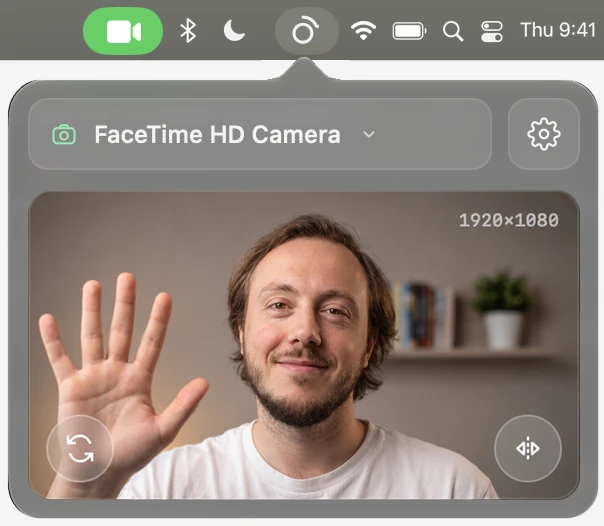
One click away, and otherwise out of sight
Click the icon to see a live preview, pick a camera, rotate or mirror. No window to keep open. It can start at login, in English or Russian.
Ready in three steps
- 1
Download
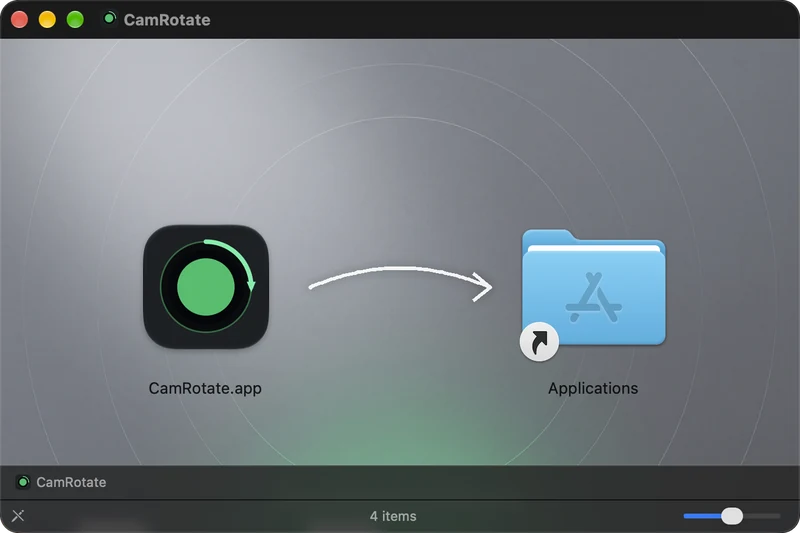
Download the disk image, open it and drag CamRotate to Applications.
- 2
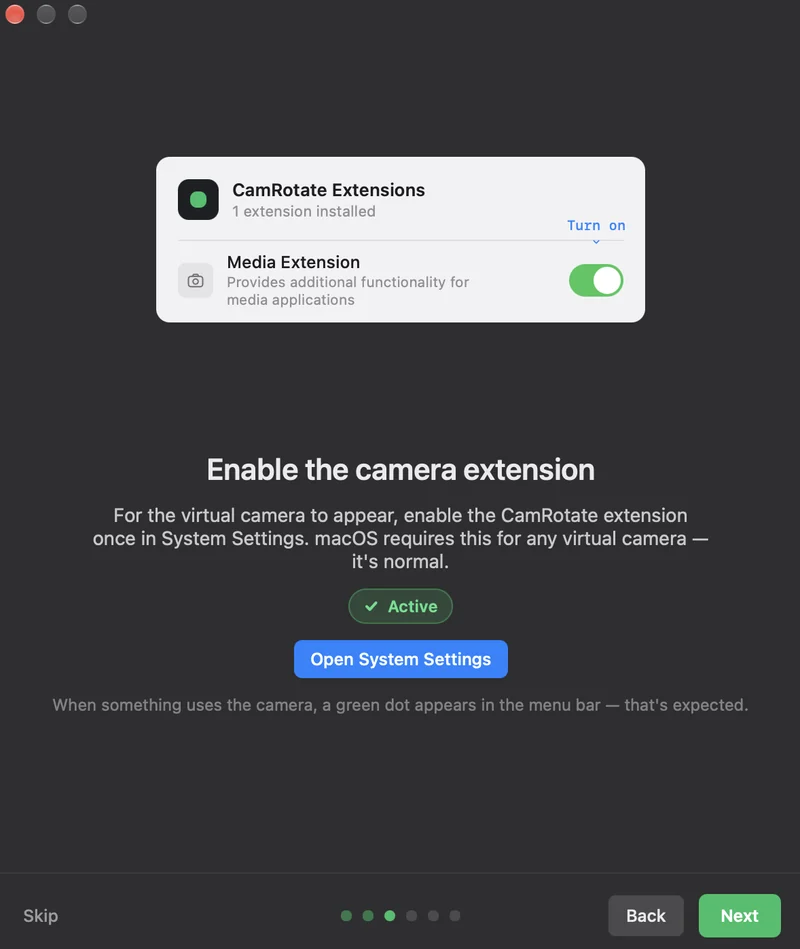
Allow the extension
Once, in System Settings → General → Login Items & Extensions. macOS asks this of every virtual camera.
- 3
Pick it in your call
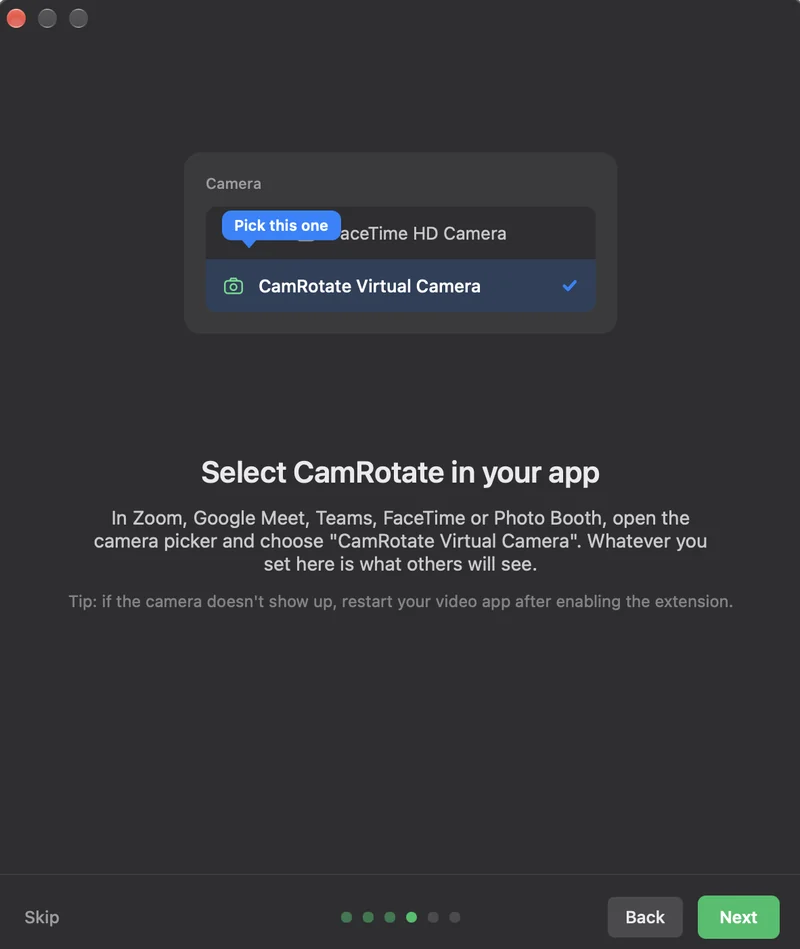
Choose "CamRotate Virtual Camera" in your video app. If it doesn't show up, restart the video app.
Quiet by design
Your video stays on your Mac
Video is processed on your Mac and never leaves it. The only network request is the update check. No account, no analytics.
Updates wait for your call to end
The app checks once a day. While a call is using the camera, it does not offer an update and holds an accepted one until the call ends, so your picture never freezes.
Checked by Apple
Signed with Developer ID and notarized by Apple. Updates are signed and verified before they install.
For the curious: verify it yourself +
$ spctl -a -vv /Applications/CamRotate.app
accepted, source=Notarized Developer ID

$ shasum -a 256 -c SHA256SUMS

team 877B46WMD9 · com.yolisstorm.camrotate · updates signed with EdDSA
Questions
Does it cost anything?
No. CamRotate is a free download from GitHub Releases.
Will it run on my Mac?
It needs macOS 15 Sequoia or later and a Mac with Apple silicon. Intel Macs are not supported.
The camera doesn't show up in my video app
Make sure the extension is allowed in System Settings, then restart the video app.
I changed the resolution and nothing happened
A change between 1080p and 720p applies after a restart of the Mac.